
Published on 21 February 2026 · Updated on 9 July 2026 · by Ismail Nasry
In brief: A design system is more than a set of graphic rules - it's an ecosystem of reusable components, design tokens, and processes that ensure consistency, speed, and scalability in digital interface development. Discover how to implement it and why it benefits businesses.
Design System in Development: How to Build It and Why It Accelerates App and Website Creation
A project I worked on had 5 developers, 3 designers, and zero coordination. Buttons were 12 different colors, fonts changed from page to page, and every new component was built from scratch. Chaos reigned. That’s when I understood that a design system isn’t a luxury for big companies but a necessity for any project that lasts.
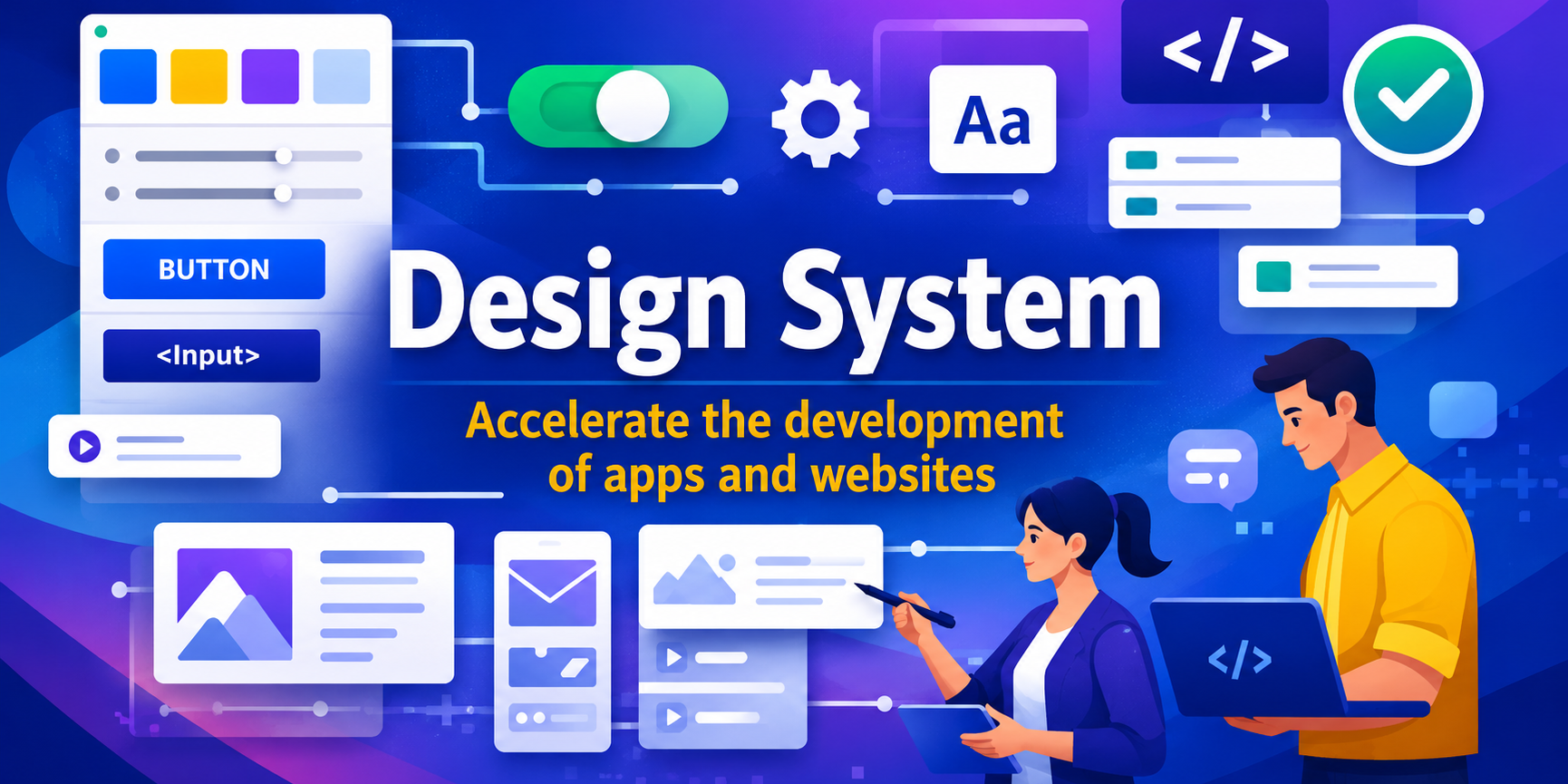
What a design system is (in practice): A set of shared rules: color palette, typography, spacing, interaction patterns, reusable components, style guide. Every design decision is documented and accessible to the whole team. Result: development 2-3x faster, reduced maintenance, consistent user experience.
My implementation approach: Start with colors (3-5 primary, 3 secondary), typography (2-3 fonts, clear hierarchy), spacing (8px grid), base components (buttons, forms, cards, navigation). Document everything in a shared repository. Don’t aim for perfection initially: a living design system grows with the project.
FAQ
Is a design system worth it for a single project? Yes, if the project has more than 10 screens or involves more than 2 developers/designers.
How long to create one? First functional version: 2-4 weeks, then it evolves continuously.
Recommended tools? Figma for design, Storybook for component documentation, Tailwind for utility-first CSS.
Work with me
Need help with this topic? I develop custom solutions tailored to your needs.


